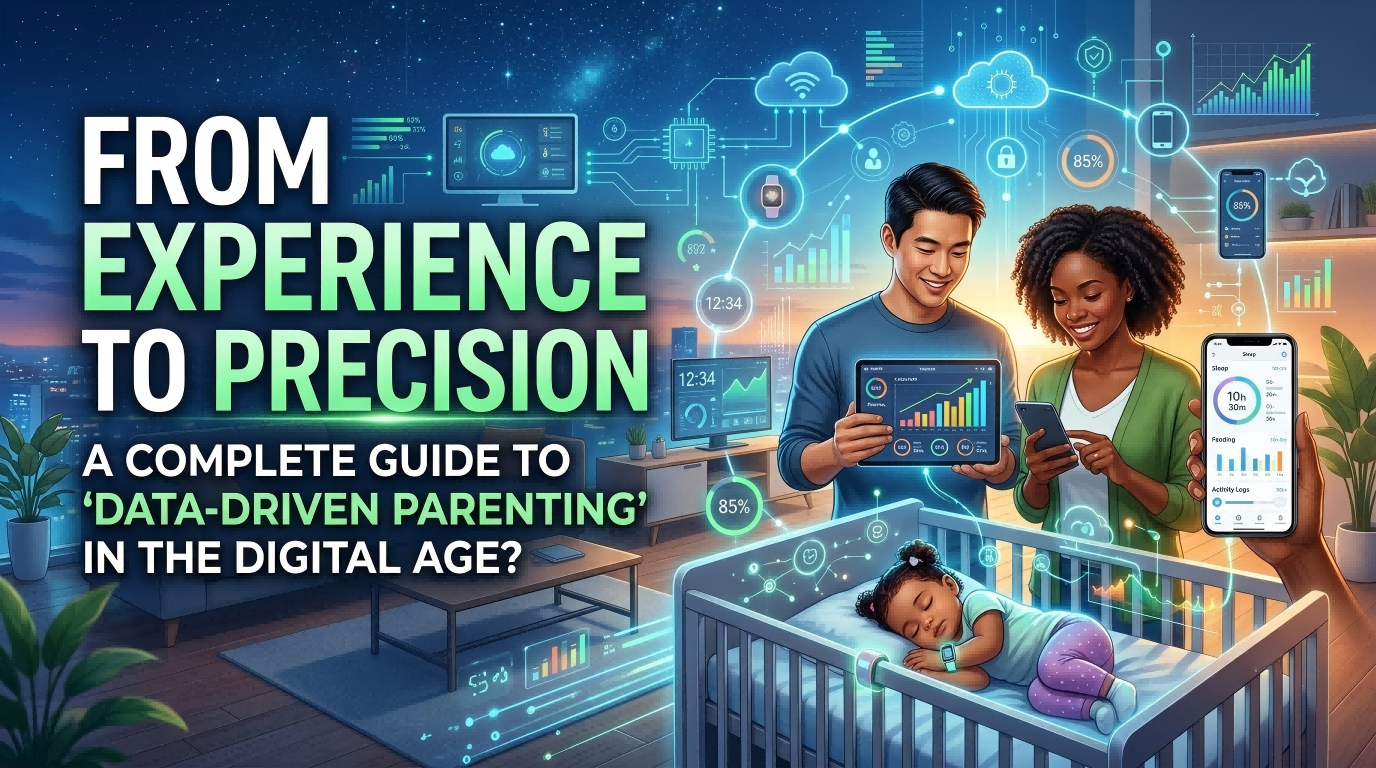
Every procurement season, I receive the same inquiry: "We need data-driven parenting products—send us your most advanced options." The conversation always starts there. But after ten minutes of questions about their target customers, the discussion shifts completely. The real question is never about "most advanced." It is about matching monitoring rhythms to household realities.
Data-driven parenting products are not about collecting more data points. They are about delivering the right monitoring frequency and collaboration structure for specific family scenarios. The choice between real-time alerts and daily logging, between single-user devices and multi-caregiver platforms, determines whether a product fits or frustrates the end user.
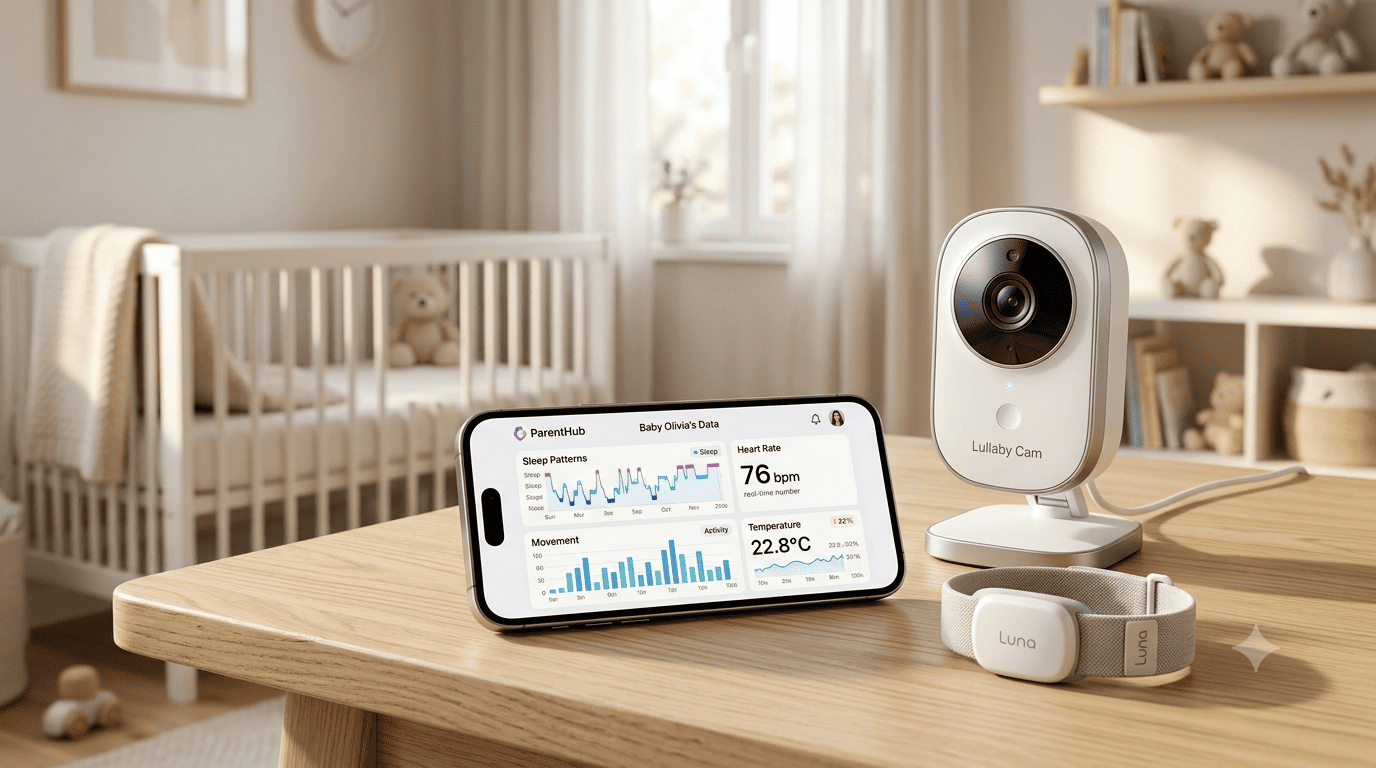
Most B2B buyers ask product questions when they should ask scenario questions. I have confirmed this pattern across hundreds of pre-sales conversations. Clients want "AI-powered" or "precision monitoring" without defining what frequency their customers need or how many caregivers will access the data. This guide translates those vague requests into concrete procurement criteria.
What does "data-driven" actually mean in parenting products?
Clients use "data-driven" to describe any product with a screen or app. The term has lost specificity. When I ask what functionality they need, most cannot distinguish between three completely different product categories. Marketing language has blurred the boundaries.
Data-driven parenting products fall into three functional tiers: manual logging tools that store entries digitally, sensor-based monitors that record automatically without real-time alerts, and connected alert systems that notify caregivers immediately when thresholds are crossed. The difference is not technological sophistication—it is monitoring frequency and response expectations.
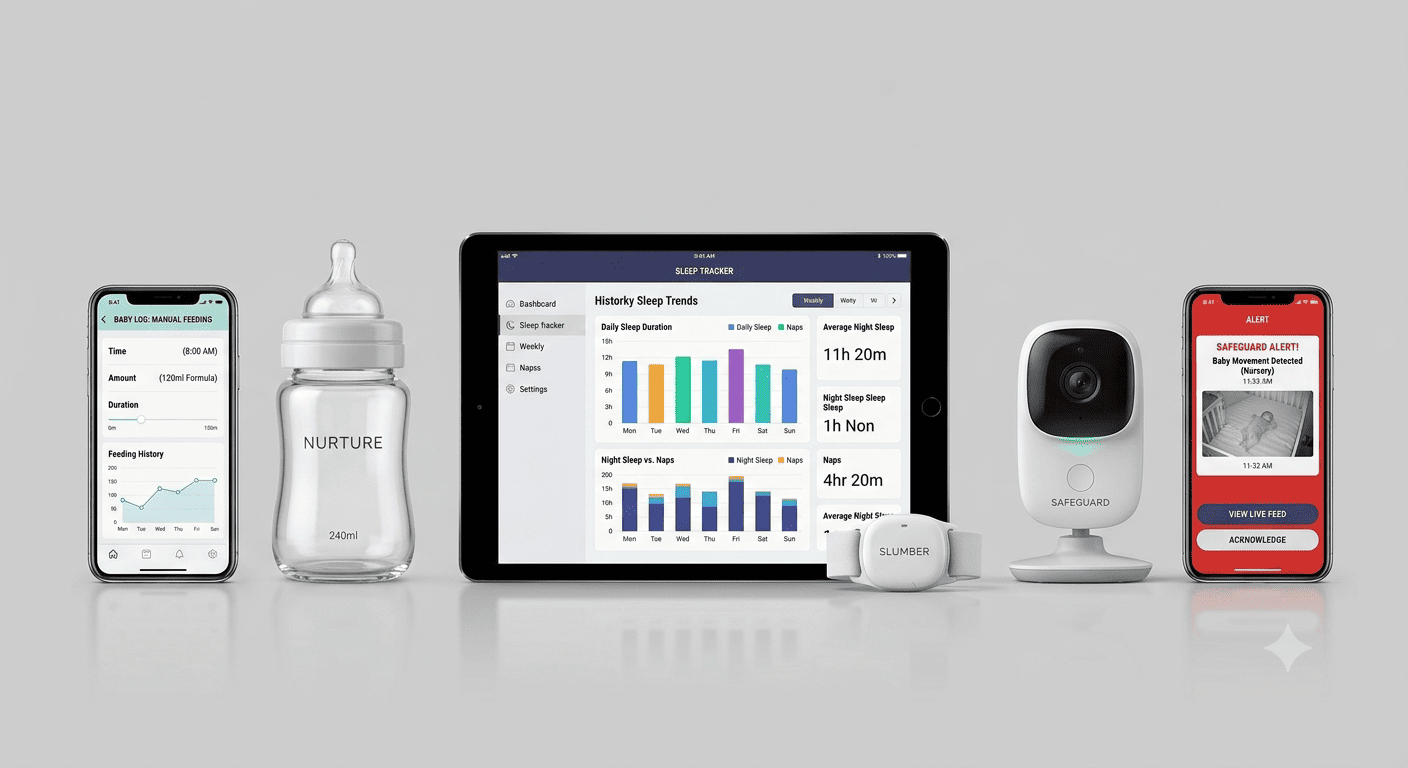
Product tier breakdown from procurement verification
During delivery confirmations, I verify which parameters each product actually tracks and how frequently data updates. This is not about brand claims. It is about what the device does when powered on.
Manual logging products require caregivers to input data. The "data-driven" element is digital storage and basic charting. We see clients request these for feeding schedules and diaper logs. The caregiver opens an app, enters the time and amount, and views historical patterns. No automation exists. The product stores what the user inputs.
Automatic monitoring products use sensors to record metrics without manual entry. The device logs temperature, sleep duration, or movement patterns continuously. Data syncs to an app periodically—usually every few hours or once daily. No real-time alerts trigger. We confirm during pre-sales that these products suit clients whose customers want historical tracking without constant notifications. The monitoring happens passively.
Real-time alert systems combine sensors with immediate notifications. When a threshold is crossed—temperature spike, movement cessation, breathing irregularity—the caregiver receives an alert within seconds. These products require constant connectivity. We verify alert latency during procurement because clients in this category need guaranteed response times. The monitoring is active and urgent.
The confusion arises because all three tiers appear in marketing materials as "smart" or "data-driven." Clients assume higher price means more features, but we have seen expensive manual logging apps and affordable real-time monitors. The procurement decision requires matching tier to scenario, not budget to brand.
| Product Tier | Data Entry Method | Update Frequency | Alert Function | Typical Client Scenario |
|---|---|---|---|---|
| Manual Logging | User inputs data | On-demand | None | Routine tracking, non-urgent metrics |
| Automatic Monitoring | Sensor records data | Hourly or daily sync | None | Passive observation, trend analysis |
| Real-Time Alert | Sensor with connectivity | Continuous (seconds) | Immediate notification | Safety monitoring, threshold-based responses |
How do monitoring rhythms differ across household types?
The second question I ask clients is not about product features. It is about caregiver structure. Single-parent households, dual-income families, and multi-generational caregiving setups require different data access models. This is where procurement mistakes happen most frequently.
The critical distinction is not how much data a product collects, but how many people need simultaneous access and whether they need live updates or summary reports. Single-caregiver scenarios tolerate manual logging and delayed syncing. Multi-person caregiving requires instant data sharing and alert redundancy.
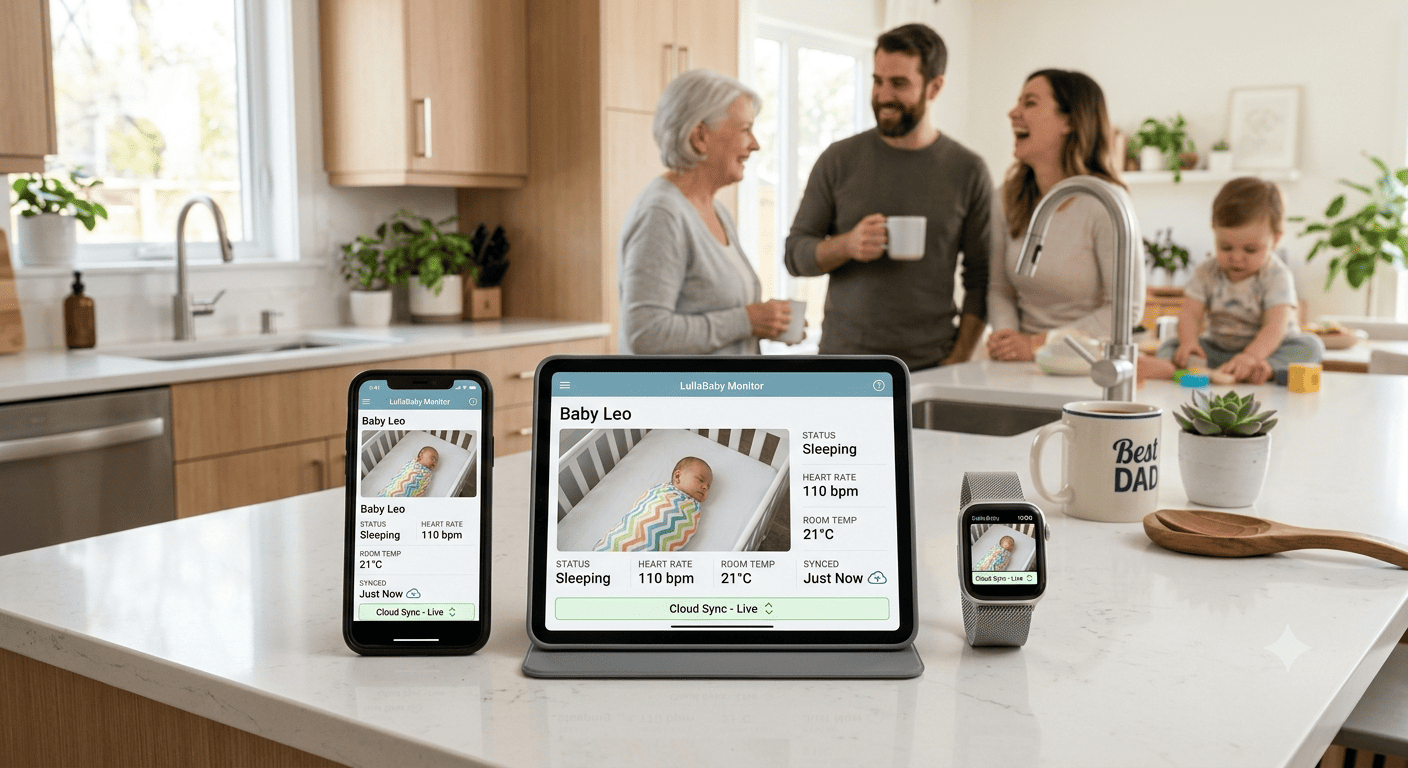
Single-caregiver scenarios and logging sufficiency
We have seen clients in regions where one parent or guardian provides full-time care. Their customers do not need multi-user dashboards or push notifications sent to multiple devices. The monitoring rhythm is personal and non-urgent. A single app account with historical logs meets the requirement.
In these scenarios, manual logging products perform adequately. The caregiver inputs feeding times or sleep windows when convenient. The data accumulates over weeks, showing patterns without requiring immediate action. We confirm that these products support basic charting—line graphs for weight, bar charts for feeding frequency. The value is retrospective, not reactive.
Automatic monitoring products also fit single-caregiver households, but the utility depends on consistency. If the caregiver wears a baby monitor that logs temperature passively throughout the day, the data syncs in the evening. The caregiver reviews trends before bed. No alerts interrupt the day. We verify during delivery that sync intervals match this rhythm—products that update only once every 24 hours create frustration if caregivers expect midday summaries.
Real-time alert systems are overkill for most single-caregiver scenarios unless the monitored metric has safety implications. A breathing monitor with instant alerts serves a different function than a feeding tracker. We guide clients to distinguish between convenience monitoring and safety monitoring. Single caregivers tolerate delayed data for convenience metrics but require alerts for safety metrics.
Multi-caregiver scenarios and collaboration requirements
The procurement conversation shifts completely when clients describe customers with two working parents, live-in grandparents, or rotating daycare staff. Data must flow to multiple people simultaneously. One caregiver logs a feeding. Another checks the app before the next feeding. A third receives an alert during their shift.
Manual logging products fail here unless they support shared accounts with real-time syncing. We have seen clients purchase single-user logging apps for multi-caregiver households, then request returns when families realize entries made by one caregiver do not appear on another device until hours later. The issue is not data collection—it is data distribution.
Automatic monitoring products meet multi-caregiver needs if they allow multiple app logins and push data continuously. During pre-sales, I confirm whether a product permits three or five simultaneous accounts. Some manufacturers limit multi-user access to premium tiers, which clients discover only after purchase. The procurement decision must verify account limits upfront.
Real-time alert systems are standard for multi-caregiver households handling safety monitoring. When one caregiver sleeps and another supervises, alert redundancy matters. We verify that products send notifications to all linked devices, not just the primary account. Some systems prioritize alerts by account role—parent receives alerts first, grandparent receives them after a delay. Clients need this information before inventory decisions.
| Household Type | Monitoring Rhythm | Required Product Features | Procurement Verification Points |
|---|---|---|---|
| Single Caregiver (full-time) | Delayed review, personal logging | Single-account app, basic charting | Sync interval, chart types supported |
| Single Caregiver (safety focus) | Real-time alerts, passive monitoring | Alert latency, single-device reliability | Alert threshold customization, battery life |
| Multi-Caregiver (routine) | Shared logging, periodic sync | Multi-account access, cloud syncing | Account limits, sync frequency |
| Multi-Caregiver (safety focus) | Real-time alerts, redundant notifications | Multi-device alerts, role-based prioritization | Alert distribution logic, notification delay |
What questions clarify client needs during pre-sales?
Most clients cannot articulate their requirements without structured prompts. They say "data-driven products" or "smart monitoring" and expect me to recommend options. I have learned that open-ended questions waste time. Direct questions about scenarios and caregiver structure produce actionable answers.
The pre-sales conversation must establish four parameters: which metrics the end customer wants tracked, how frequently they want updates, how many caregivers need access, and whether monitoring is for routine convenience or safety urgency. Without these four answers, product recommendations are guesswork.
Metric-focused questions to narrow product categories
I start with the simplest question: "What does your customer want to monitor?" The answer determines product category immediately. Feeding schedules require input fields and timers. Sleep patterns require duration tracking and wake event logging. Temperature monitoring requires sensor accuracy and alert thresholds.
We have seen clients request "all-in-one" products that track ten metrics simultaneously. These products exist, but end customers rarely use all features. A product tracking feeding, sleep, diaper changes, temperature, and weight sounds comprehensive during procurement but overwhelms caregivers during use. I ask clients to rank metrics by priority. The top two metrics guide product selection. The rest become secondary features.
For feeding tracking, I confirm whether the client needs volume measurement or just timestamps. Some products include smart bottles that weigh milk automatically. Others rely on manual input. The difference is price and user effort. If the client's customers are first-time parents willing to invest in automation, smart bottles fit. If customers are experienced parents wanting simple logs, manual input suffices.
For sleep tracking, I verify whether the client needs contact sensors or ambient monitors. Contact sensors attach to clothing or skin and track movement precisely. Ambient monitors sit near the crib and use sound or video. Contact sensors suit clients whose customers prioritize accuracy. Ambient monitors suit clients whose customers prioritize non-intrusive monitoring.
Frequency questions to match monitoring rhythms
The second question is: "How often does your customer want updates?" This determines whether manual logging, periodic sync, or real-time alerts are necessary. Most clients initially say "real-time," but this answer changes when I describe the tradeoffs.
Real-time monitoring requires constant connectivity, which drains batteries and increases device cost. If the end customer checks data once daily, real-time updates are unnecessary. I have seen clients purchase expensive connected monitors for customers who wanted weekly summaries. The mismatch creates dissatisfaction because the product does more than the customer needs, complicating the interface and shortening battery life.
Periodic sync products update every few hours or once daily. These suit clients whose customers review trends rather than live data. A parent checking yesterday's sleep duration before bed does not need minute-by-minute updates. We verify sync schedules during procurement—some products sync only when opened, others sync automatically at set intervals. Clients targeting casual users prefer automatic syncing because it reduces user effort.
Manual logging products have no automatic updates. The user inputs data whenever convenient. This suits clients whose customers already maintain routines and want digital records rather than behavioral prompts. We see demand for manual logging in markets where customers distrust sensor accuracy or prefer control over data entry timing.
Collaboration questions to define access requirements
The third question is: "How many people will access the data?" This separates single-user products from multi-user platforms. Most manufacturers charge premium prices for multi-user access, so clients must know upfront whether their customers need this feature.
For single-user scenarios, I confirm whether the product allows account transfer. Some customers purchase a product during pregnancy, use it for six months, then pass it to a sibling. If the product locks data to one account permanently, resale value drops. We verify during delivery whether account ownership can transfer without data loss.
For multi-user scenarios, I confirm account limits and permission levels. Some products allow unlimited linked accounts. Others cap at three or five. Some products give all accounts equal access. Others assign parent accounts full control and secondary accounts view-only access. Clients targeting daycare centers or nanny-supported households need products with role-based permissions.
I also verify whether data syncing requires all accounts to remain online simultaneously or whether cloud storage allows asynchronous access. Products requiring simultaneous connectivity frustrate caregivers in different time zones or with inconsistent internet access. We guide clients toward cloud-based products for multi-caregiver scenarios.
Urgency questions to separate convenience from safety monitoring
The fourth question is: "Is this monitoring for routine tracking or safety alerts?" This determines whether the product needs alert functions and how quickly alerts must trigger. Routine tracking tolerates delays. Safety monitoring does not.
For routine tracking, I confirm whether the product generates insights or just stores data. Some products analyze feeding patterns and suggest schedule adjustments. Others display raw logs without interpretation. Clients whose customers are first-time parents value insight features. Clients whose customers are experienced parents prefer raw data without automated suggestions.
For safety monitoring, I verify alert thresholds and customization options. A temperature monitor that alerts at 38°C suits some markets. Others require 37.5°C thresholds. If thresholds are hardcoded, the product cannot adapt to regional preferences. We confirm threshold adjustability during pre-sales to avoid returns.
I also verify alert delivery methods. Some products send push notifications only. Others include audible alarms, vibration alerts, or SMS backups. Clients whose customers have hearing impairments or sleep in separate rooms need multi-modal alerts. We confirm alert redundancy during procurement.
What feature mismatches create the most returns?
Returns happen when product capabilities do not match customer expectations. The mismatch is rarely about product failure. It is about feature assumptions. Clients purchase based on marketing descriptions, then discover limitations during use. I have tracked return patterns across product categories and identified recurring issues.
The most common return triggers are: multi-user access limits discovered post-purchase, alert latency exceeding customer tolerance, battery life insufficient for monitoring intervals, and data export restrictions preventing integration with other tools. These issues are preventable through pre-sales verification.
Multi-user access and account limit surprises
Clients assume "app-enabled" means unlimited users. Most products restrict multi-user access unless explicitly advertised otherwise. We have processed returns for feeding trackers purchased by clients whose customers needed shared access for both parents and grandparents, only to discover the app permitted two linked accounts maximum.
The frustration escalates when the product description mentions "family sharing" without specifying account limits. Marketing language creates ambiguity. During pre-sales, I now confirm the exact number of simultaneous accounts permitted and whether additional accounts require subscription upgrades. Some manufacturers charge monthly fees per additional user. Clients must know this before inventory commitment.
Account permission levels also cause returns. A client purchased sleep monitors for customers with live-in caregivers. The product allowed multiple accounts but gave secondary accounts view-only access. The caregiver could not adjust alert thresholds or log additional notes. The limitation was undisclosed in product materials. We now verify permission structures during procurement.
Alert latency and connectivity dependencies
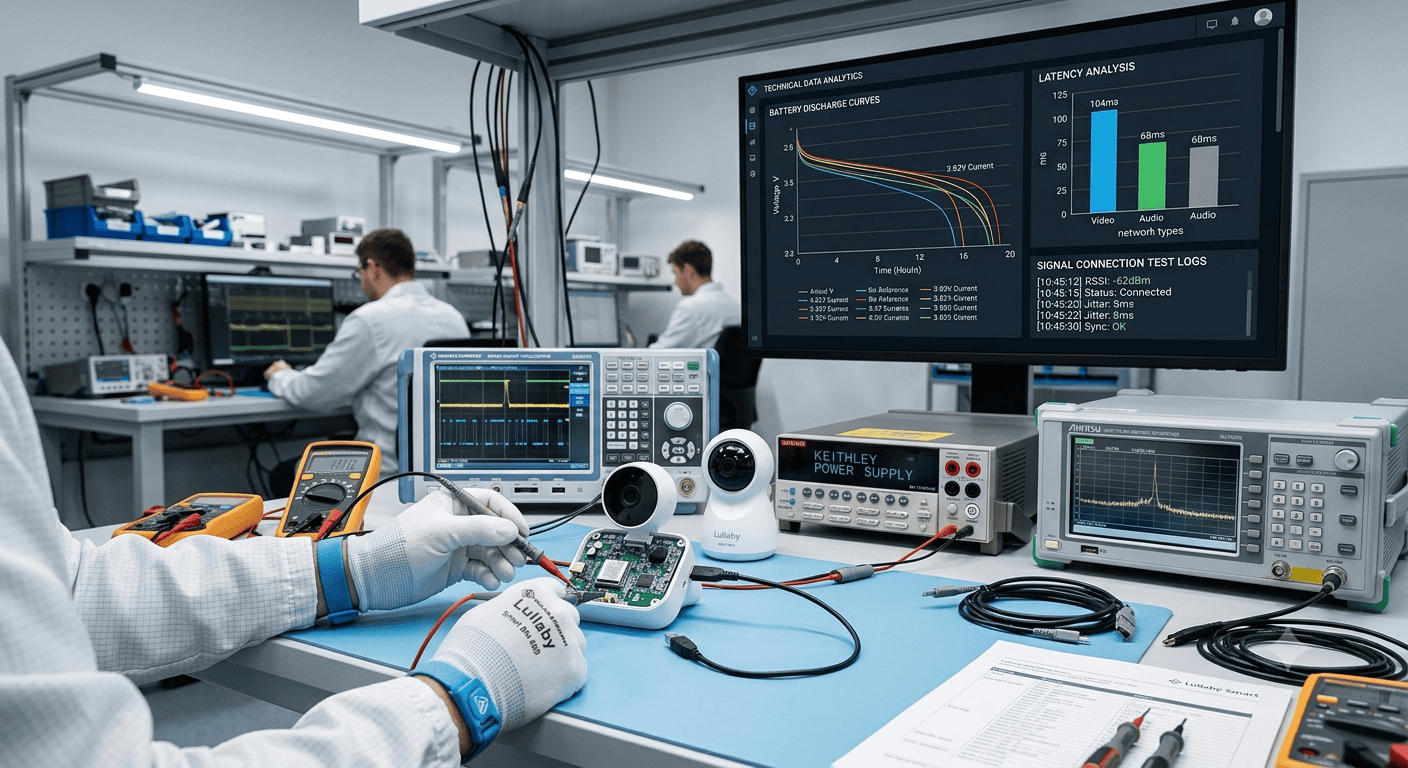
Clients purchasing real-time alert products expect instant notifications. "Real-time" is subjective. Some products deliver alerts within five seconds. Others take up to two minutes. For breathing monitors or temperature alerts, two-minute delays are unacceptable. Clients discover this during customer use and request returns.
The issue is compounded by connectivity dependencies. Some products require WiFi for alerts. If WiFi drops, alerts fail. We have seen clients in markets with unstable internet purchase WiFi-dependent monitors, then face returns when customers report missed alerts during outages. Products with cellular backup or local alarms avoid this issue, but clients must verify connectivity requirements upfront.
I also verify whether products alert only through the app or include device-based alarms. App-only alerts fail if the phone is silenced or out of range. Clients whose customers need guaranteed alerts during sleep or while away from the phone require products with standalone alarms. We confirm alarm types—audible, vibration, visual—during delivery.
Battery life versus monitoring frequency tradeoffs
Real-time monitoring consumes battery quickly. Clients purchase connected monitors expecting week-long battery life, then receive customer complaints when devices last two days. The disconnect is between marketing claims and usage patterns. Marketing materials state battery life under "typical use," which assumes intermittent monitoring. Continuous real-time monitoring drains batteries faster.
During pre-sales, I clarify monitoring intervals and corresponding battery expectations. A breathing monitor that checks every ten seconds lasts shorter than one checking every thirty seconds. Clients must match battery life to customer tolerance for charging frequency. We verify whether products support continuous charging during use. Some monitors cannot charge while active, forcing monitoring gaps during recharging.
We also confirm battery replacement or rechargeability. Some products use sealed batteries that cannot be replaced, limiting product lifespan to battery degradation. Clients targeting long-term use or resale markets need products with replaceable batteries. We verify battery specifications during procurement.
Data export and integration limitations
Clients assume data collected by one product can transfer to other platforms. Most products lock data within proprietary apps. We have processed returns for feeding trackers when customers wanted to export logs to pediatrician portals or integrate with other health apps. The products stored data but provided no export function.
I verify data export formats during pre-sales. Some products export CSV files. Others export PDFs or proprietary formats. Clients whose customers need data sharing with healthcare providers require flexible export options. We confirm whether exported data includes timestamps, caregiver notes, and metric details or just summary charts.
Integration with third-party platforms is rare. Most manufacturers build closed ecosystems to retain customers. Clients expecting API access or compatibility with other monitoring tools need explicit confirmation before purchase. We guide clients toward open-platform products when integration is a stated requirement.
How do regional preferences shape product selection?
Clients serving different markets face distinct product preference